A fines list, unpaid balances or a broader team fund: start with what you actually need each week. Here is a direct comparison of ClubFines, TeamCash and TeamFines.
By ClubFinesChecked:
This comparison is published by the maker of ClubFines. It uses the linked public provider information; it is not an independent hands-on test.
On smaller screens, scroll the table sideways. Sources are linked directly below the comparison.
Features and costs of three team fines apps
Criterion
ClubFines
TeamCash
TeamFines
Access
iPhone app
iOS link and web access on its website
Web access through its website
Free starting point
1 club, up to 5 players
30-day trial
1 team, 15 players, 10 fine types
Paid option
Pro: current prices in the App Store
€4/month or €36/year
Pro advertised at £3.99/month; not yet available
Rules & fines
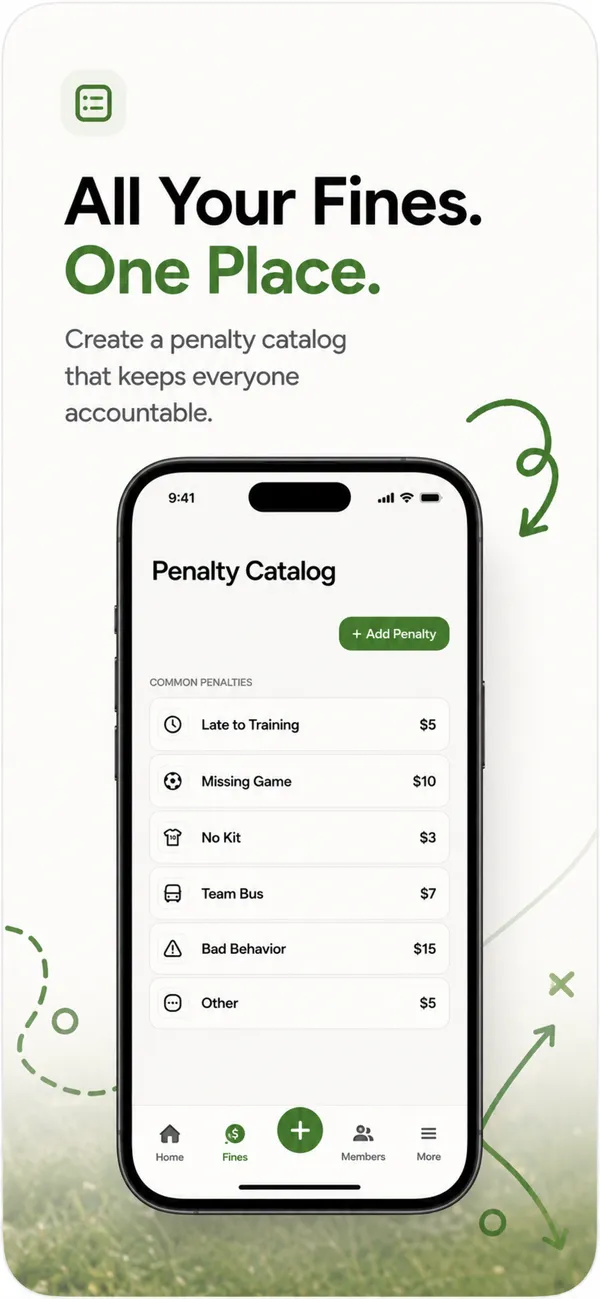
Custom catalog, player assignment, date and payment status
Fine catalog and fines
Custom fine types and player entries
Shared overview
Additional administrators and read-only members
Invited team view; separate second admin unavailable according to FAQ
Invitations and read-only members
Payments & fund
Track unpaid amounts; mark paid after external payment
Fines, income and expenses
Outstanding amounts and partial payments
Export
PDF and CSV with Pro
File export according to FAQ
Not specified in the sources checked
Prices reflect the linked provider pages and their currencies. Local store prices can differ. TeamFines explicitly labels Pro as “coming soon”. Check current prices and limits before subscribing.
START WITH THE JOB
What should your app solve?
01
Team fines on iPhone
ClubFines fits teams that want custom rules, players and unpaid amounts together, with additional administrators sharing the work. The free starting point is limited to five players. Plan for Pro if you need to manage a full squad.
02
Income and expenses
Before choosing, decide whether you need to record shared expenses and other income as well as fines. TeamCash describes that scope. ClubFines focuses on fines and their payment status.
03
Browser access
Check access on the devices your team actually uses. TeamFines offers web access. ClubFines administration takes place in the iPhone app; a public website tool is not a browser interface to your club account.
BEFORE YOU SWITCH
A small test. A clear decision.
Create a test team and three sample players.
Add two rules with your agreed amounts.
Record a fine and find its outstanding balance.
Try access for a second administrator and a read-only member.
Mark a sample payment and check season-end records and exports.
CLUBFINES / A QUICK WALKTHROUGH
Three steps. One clear overview.
Explore the workflow with our app visuals. Play the short walkthrough or choose each step yourself.
01 / 03
Agree your rules.
Set categories and amounts together. Keep your fines list to hand in the same place you will record your team’s fines.
Guided walkthrough with app visuals
02 / 03
Record a fine.
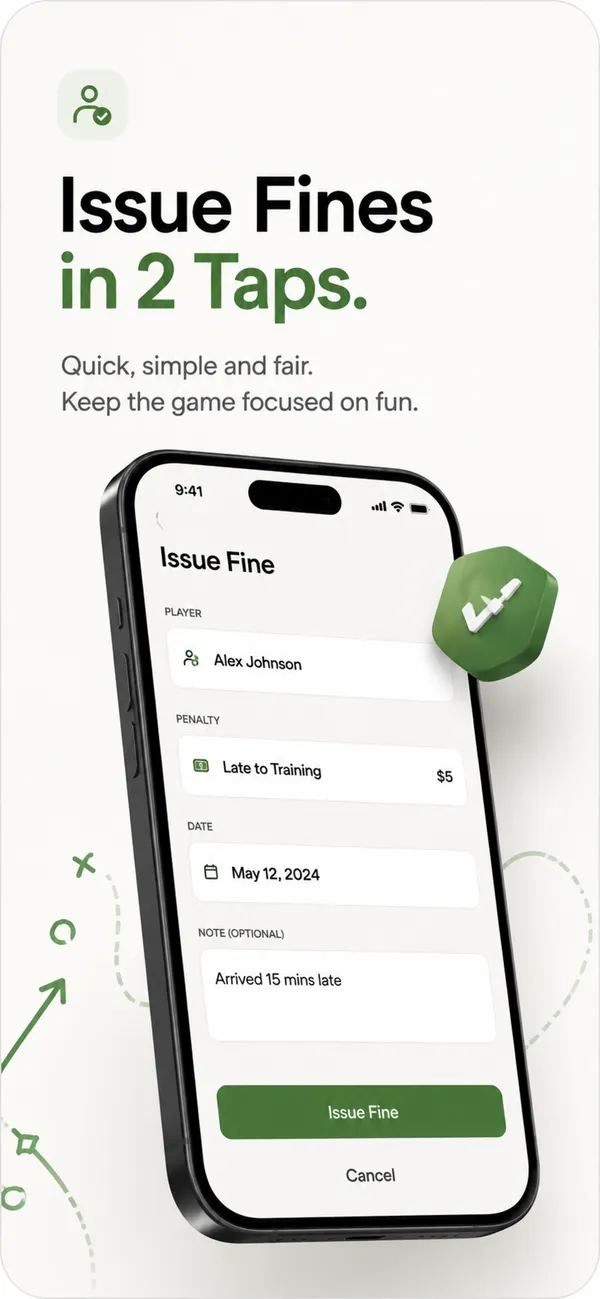
Choose a player and a fine. Check the amount and date, then save the entry. Player profiles do not need individual accounts.
Guided walkthrough with app visuals
03 / 03
Keep the overview.
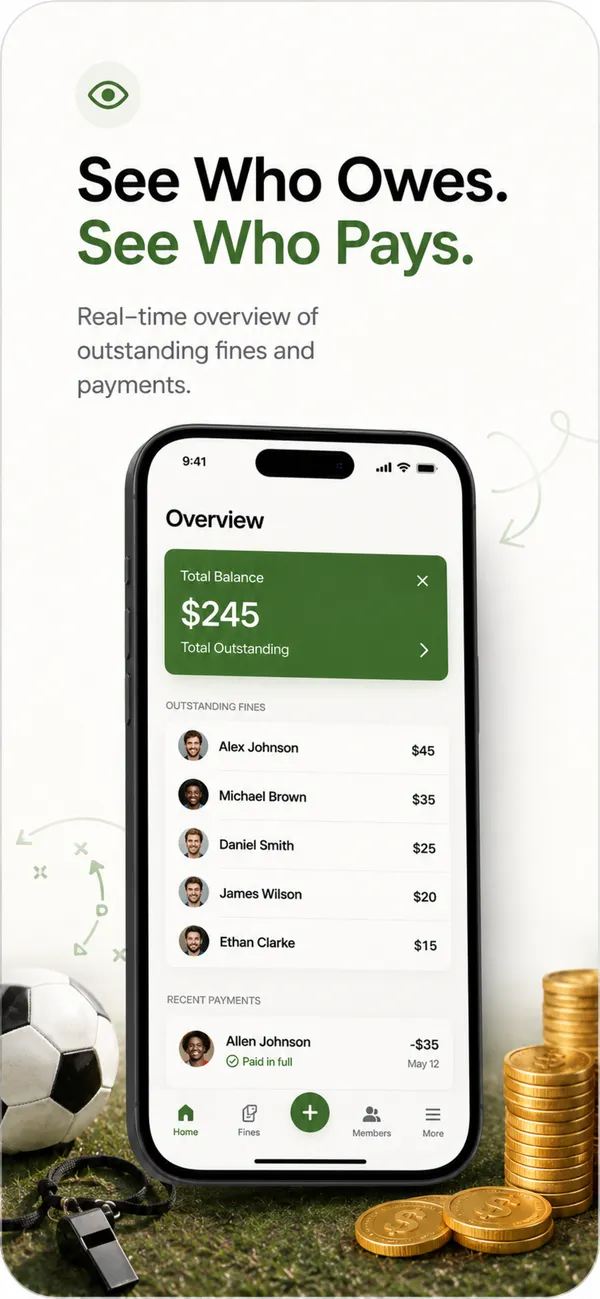
See which amounts are still outstanding. After payment outside the app, check it has arrived and mark the fine as paid.
Guided walkthrough with app visuals
Questions before you choose?
Which team fines app is best?
It depends on the job. Compare devices, squad size, roles and the scope of your team fund first. Then try a complete workflow with sample data before moving your season across.
Is ClubFines free for a full squad?
The free plan includes one club and up to five players. Pro adds unlimited players, multiple clubs and PDF/CSV exports. The App Store shows current pricing.
Does ClubFines collect money?
ClubFines records outstanding fines and payment status. Payment happens outside the app. An administrator checks receipt and then marks the fine as paid.
Does every player need an account?
ClubFines player profiles do not need separate player accounts. Creating a player profile is different from joining as an administrator or read-only member.
What does “not specified” mean?
A missing mention on a provider’s website does not prove that a feature is missing. Check those details directly with the provider before deciding.
With your permission, we use Google Analytics to understand page views and clicks. Analytics stays off without consent. Your choice lasts 180 days and can be changed in the footer at any time. Privacy policy